


Share all your links in one place.
An open-source link-in-bio page you host yourself — with visitor analytics that don't spy on anyone.
How it works
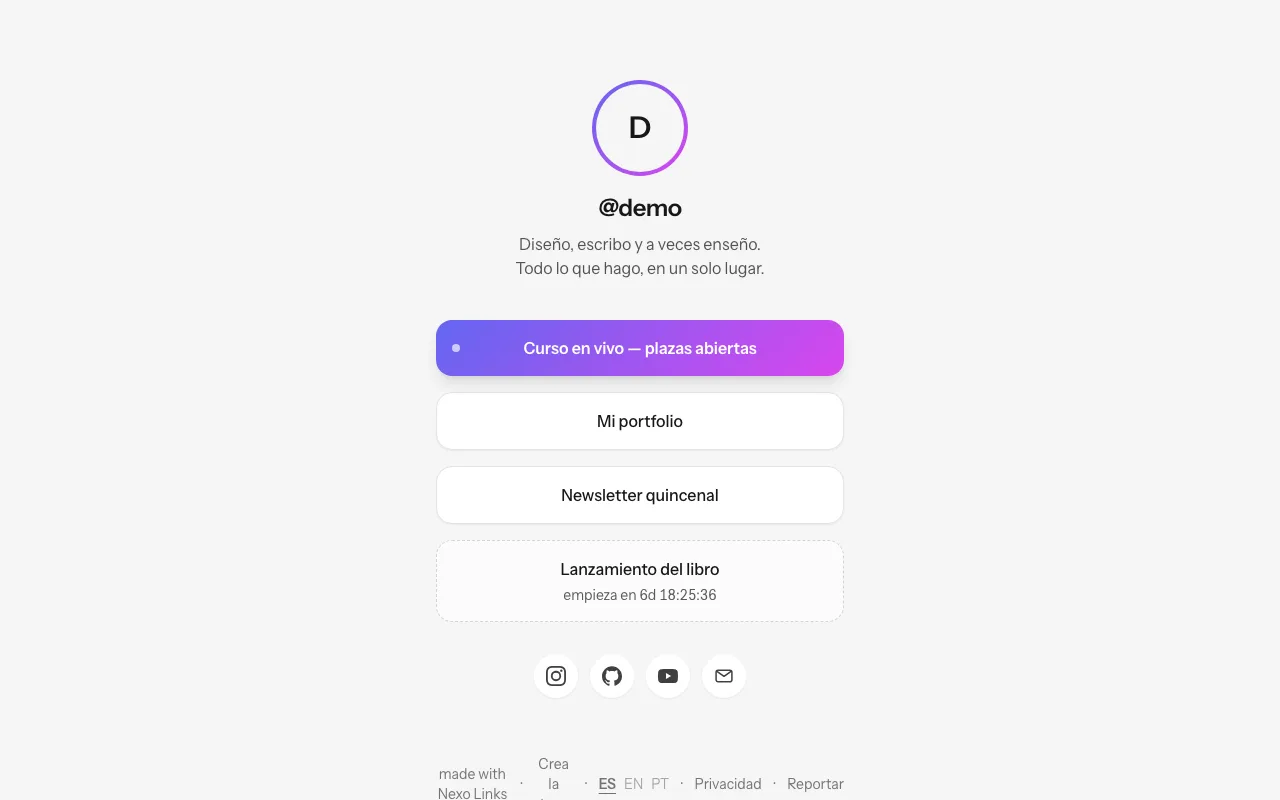
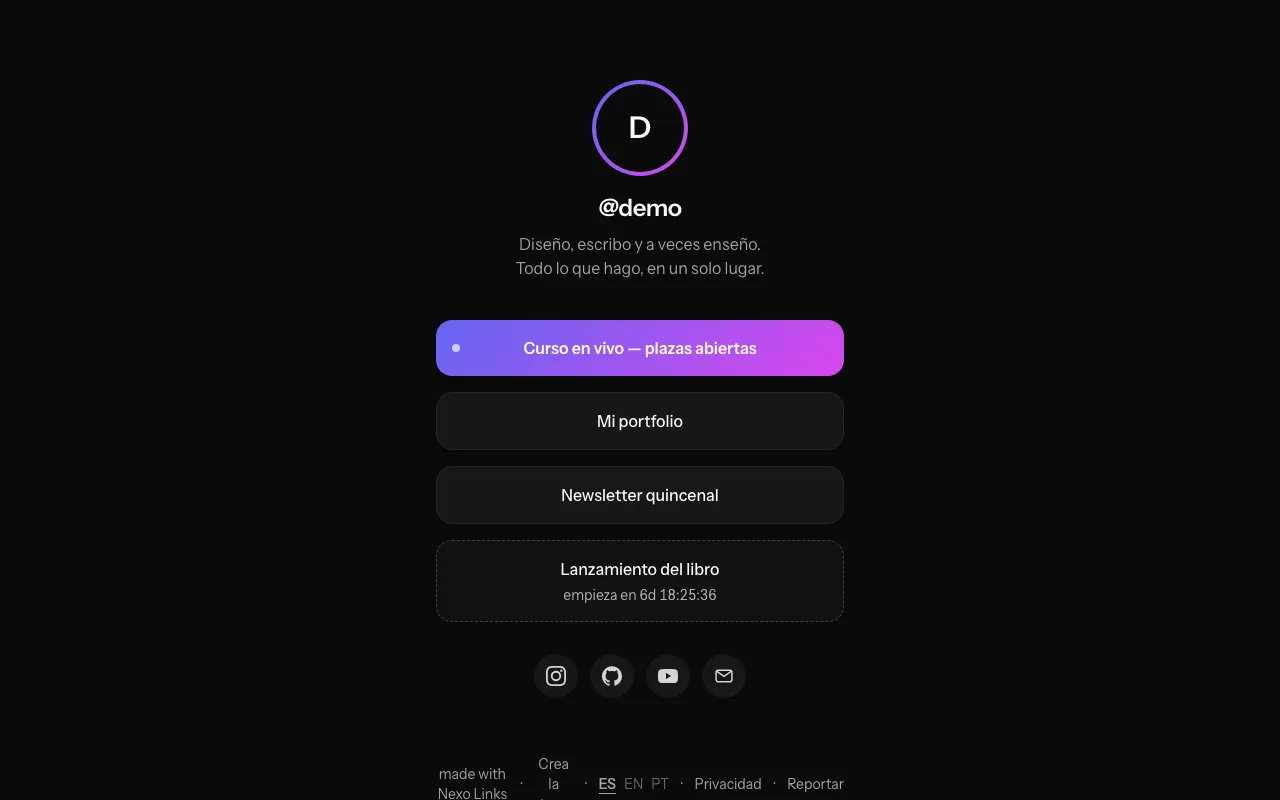
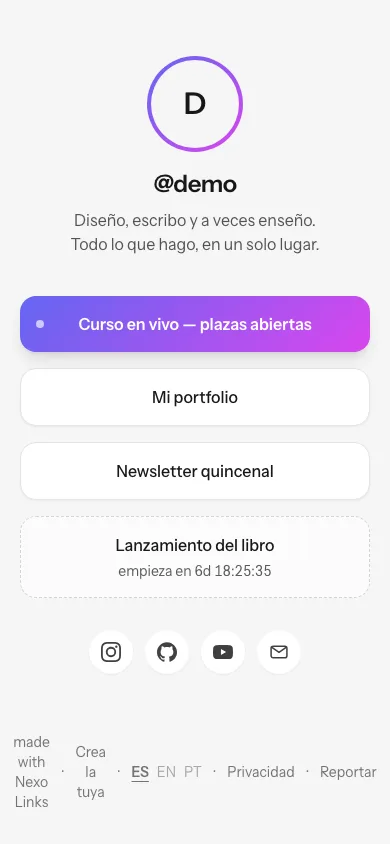
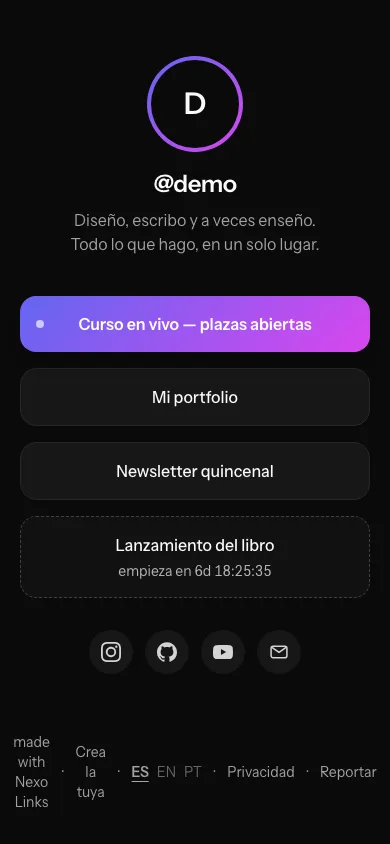
links.yukicookie.com/demo
The numbers
- Public username
- 3–30 characters; lowercase, digits, - and _; 46 reserved
- Link title and URL
- Title up to 120 · URL up to 2048, http/https/mailto/tel
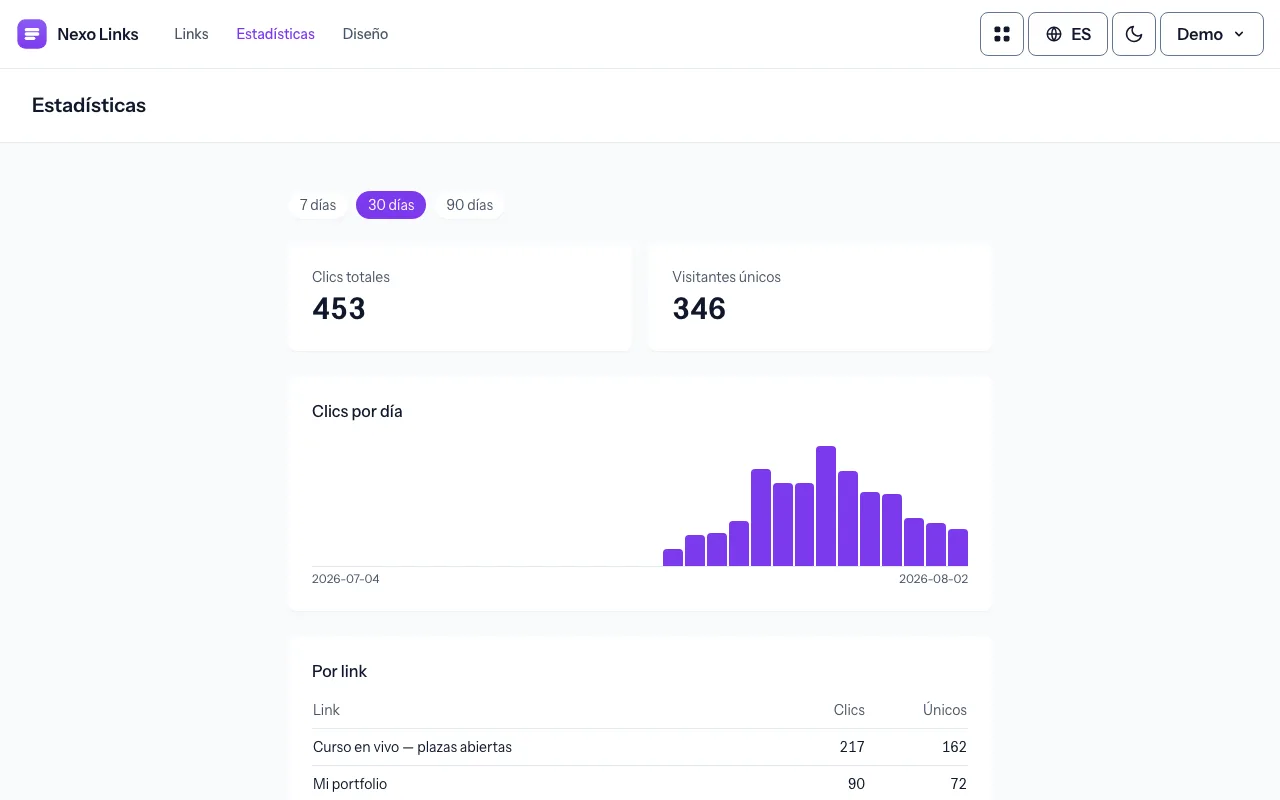
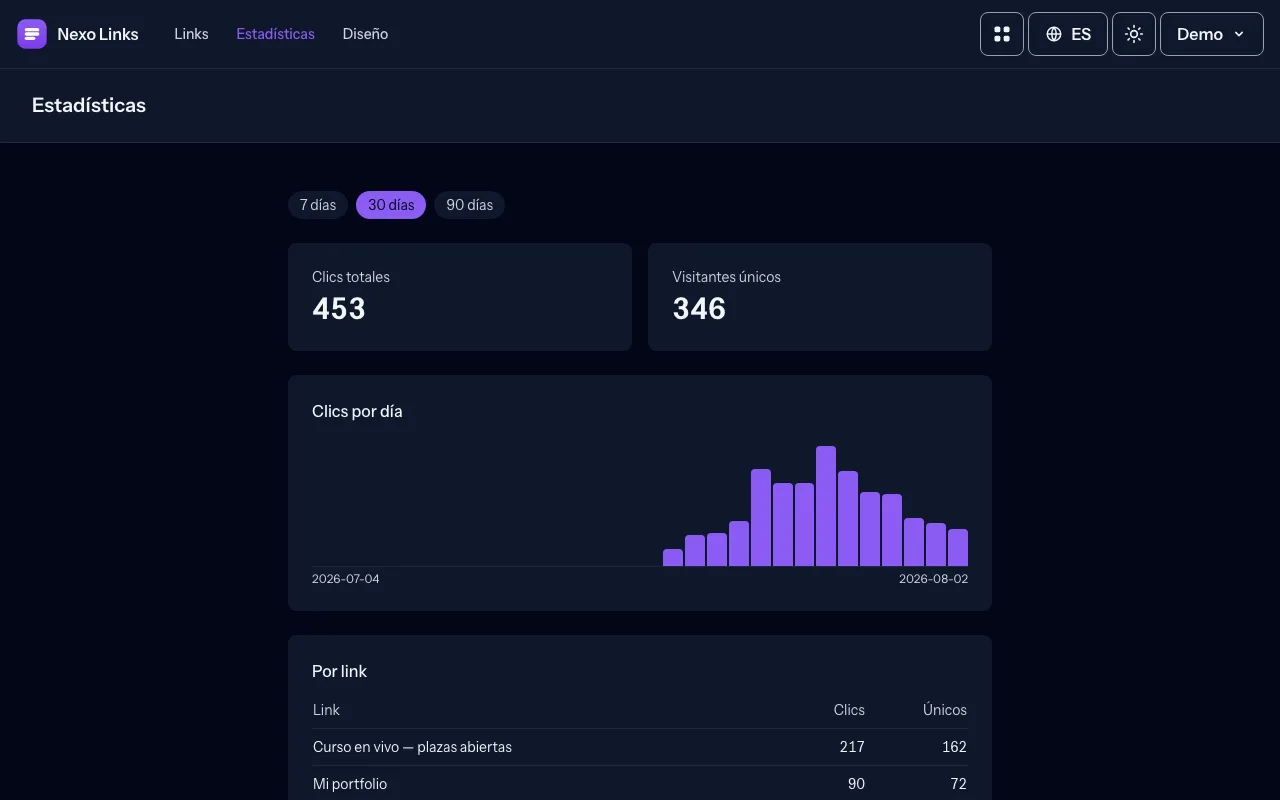
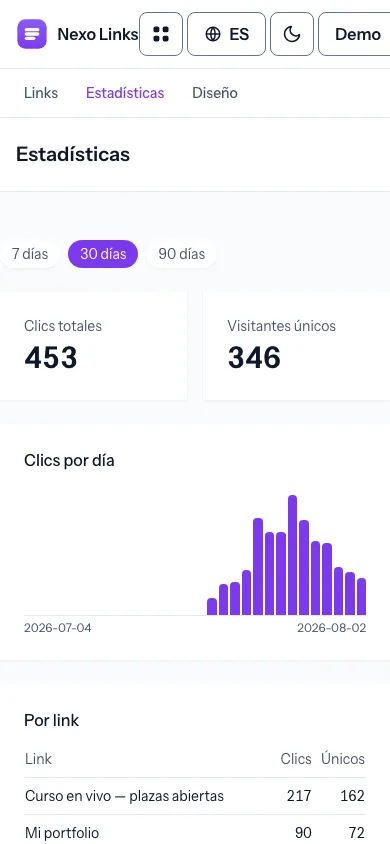
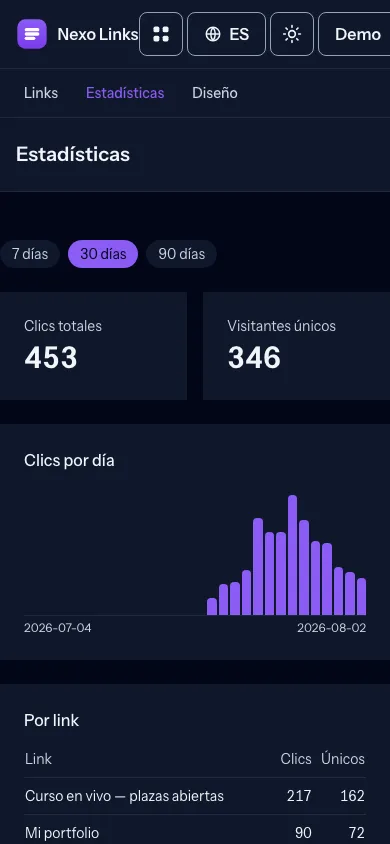
- Visitor metric
- Daily-rotating SHA-256 hash — no IP or cookie stored
- Analytics ranges
- 7 · 30 · 90 days
- Link scheduling
- Optional start and end, countdown computed on the fly
- Languages and themes
- es · en · pt — light and dark
Frequent questions
How do I create my page?
Click "Create your page", choose a username — it becomes your public URL at /your-username — and verify your email with the link we send you. Your page is live immediately.
How do I add and reorder my links?
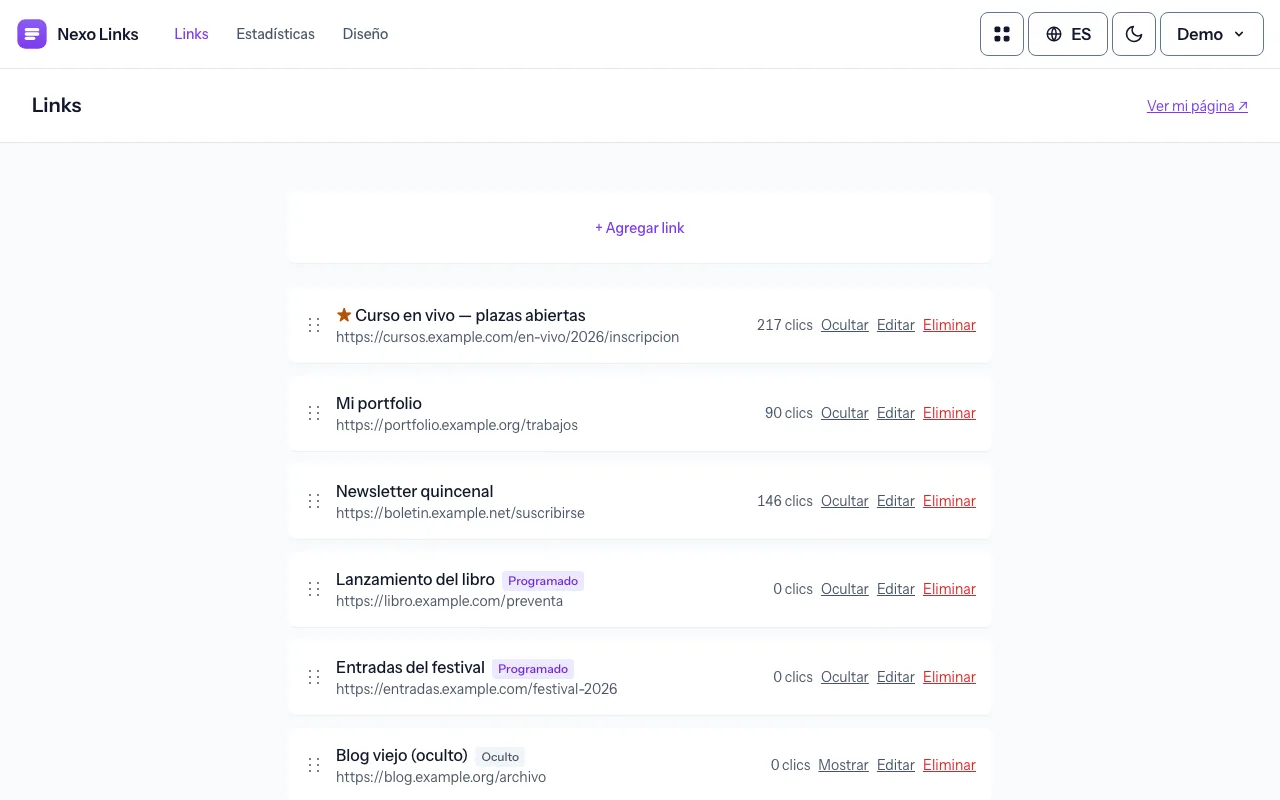
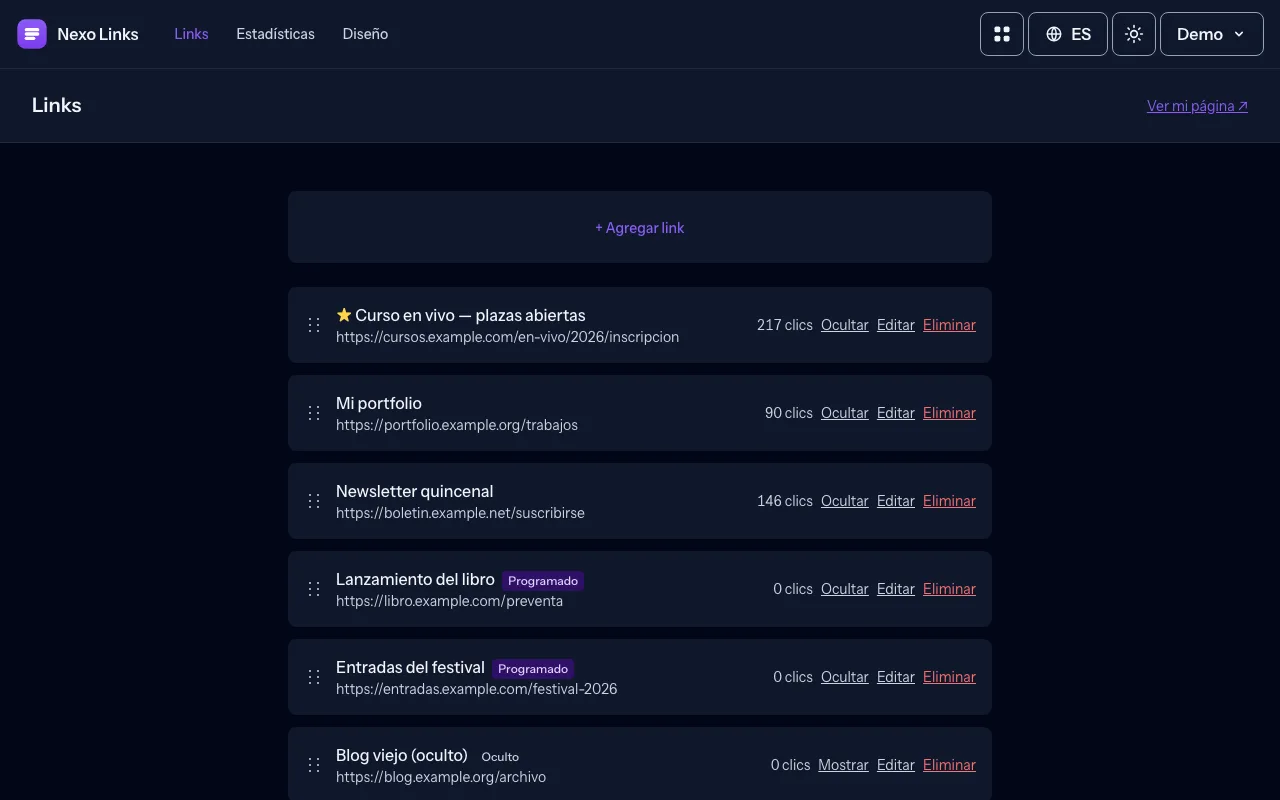
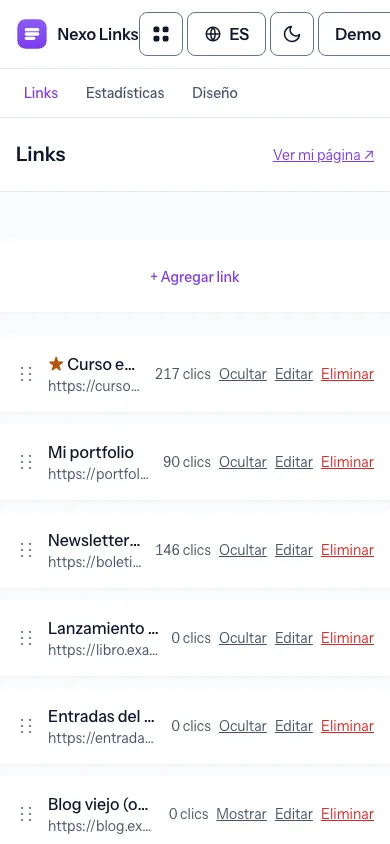
In the dashboard, press "+ Add link" and give it a title and a URL. Drag the handle on the left of each card to reorder, and use Hide to keep a link without showing it or Edit to change it anytime.
Can I schedule links, highlight them or add a countdown?
Yes. When creating or editing a link you can set optional start and end dates so it publishes and unpublishes itself, mark "Highlight this link" for the accent treatment, or enable a countdown so visitors see a live timer until it starts.
Can a link send an email, call me or open WhatsApp?
Links accept https://, mailto: and tel:, so a button can email or call you. Use "Build a WhatsApp link" to generate a wa.me link with a prefilled message.